
2026 Design system
Corporate | Enterprise | Professional | Supplier Network | MBO Partners | JoinedUp
Beeline employees only
Employee templates & assets
Powerpoint
To access the Beeline Powerpoint template open the Powerpoint desktop app.
-
Go to + New
- Select the Beeline template
Word
To access the Beeline Word template open the Word desktop app.
-
Go to + New
- Select the Beeline template
Host Position
When Beeline participates in a co-branded event, the placement of our logo in any lockup communicates our role in that event — host or co-host. Consistent application of these rules protects Beeline's brand equity while respecting our partners' identities.
Beeline as host
When Beeline is the hosting organization, our logo takes the first (leading) position in any lockup:

Beeline as co-host
When Beeline is participating as a co-host or secondary partner, our logo takes the second (trailing) position:
Sizing and placement for horizontal logo lockup (primary)
The horizontal logo lockup is the preferred format. We use a hairline to associate our logo lockup with a partner logo. If your brand style is to use another connector symbol, please be sure to respect the size and spacing guidance provided. All executions that feature the Beeline logo lock-up require approval from our brand team.
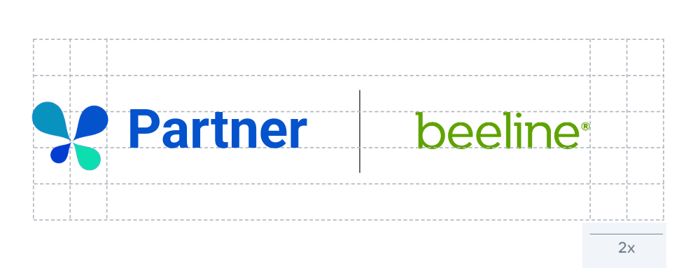
Default clear space:
The default clear space for the logo lockup is defined by doubling the height of the symbol and then applying that measurement equally to all four sides of the logo lockup.
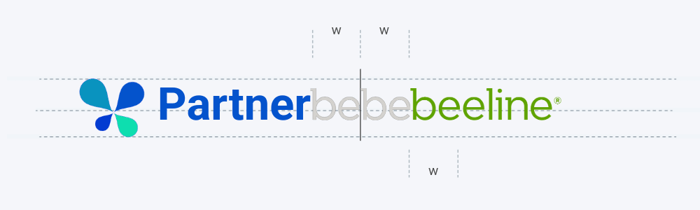
Layout spacing:
The distance between the hairline and logos is 1x the width of the symbol. Logos are middle aligned. Use the top and bottom as a guide and scale the logos in the same manner. Make minor scaling adjustments if needed to ensure that the two logos are visually balanced.
Logo minimum size:
The minimum size is defined by the height of the Beeline logo and should never be used below 12px/5mm.
Hairline:
Note: If the partner is the host, they may guide sizing and spacing. If not, use the guidance above.
Hairline color: #c6c8d1
Hairline weight: 2px
Hairline height: 80px
Color when the partner is the host
The partner will generally guide the visual identity for the touchpoint. The Beeline logo lockup should be set in color if possible. If not possible, it can appear in white as a secondary option. Always ensure legibility. This includes creating enough contrast between logos and the background color.
Logo and credit line color when the partner is the host
The host guides the visual identity for the touchpoint. If the third-party partner brand allows the full credit line lockup, we will provide the asset in full color and monochromatic white. If the third-party partner brand provides the credit line, we will provide just the logo in both versions. Always ensure legibility. This includes creating enough contrast between logos and the background color.
.png?width=600&height=338&name=Partnering%20with%20Beeline-11%20(1).png)
Do's and don'ts
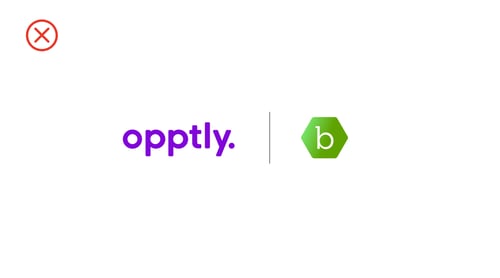
Don’t: mix logo treatments
Such as using a full lockup for one brand and only the symbol for the other, as that will create an unbalanced visual.
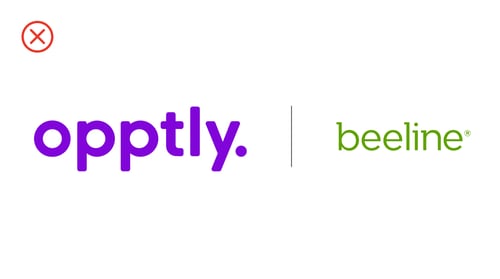
Don't: scale logos disproportionately
Or in a way that makes one logo appear smaller or larger than the other logo.
Do: scale the logos equally.
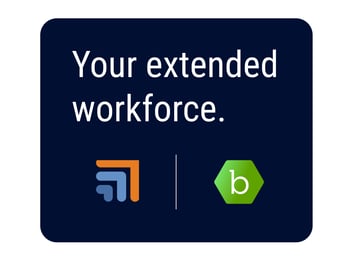
Do: use symbols only for space-constrained layouts and when partnership context has already been set.
When using a symbol only to represent both brands, you may use the Beeline symbol presented with equal balance. This is rare so please work closely with your Beeline counterpart for detailed guidelines and approvals. Your Beeline counterpart can submit a Brand Review request on your behalf through the internal Brand Review process.
Multiple logo lockups
Size and spacing
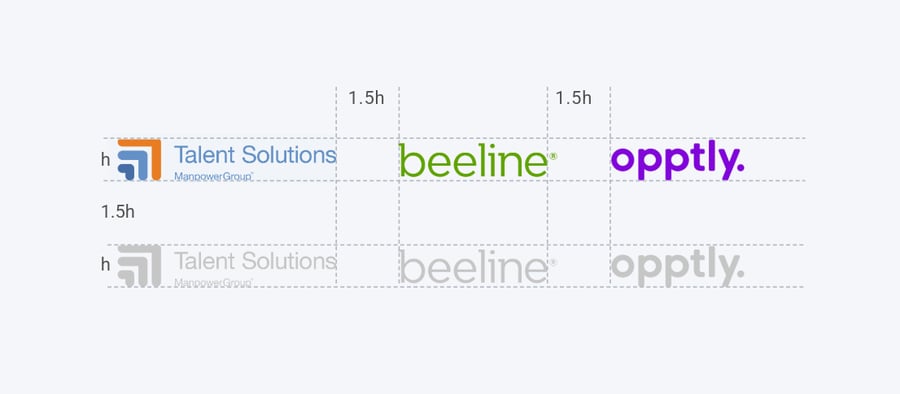
Logos can be arranged in horizontal or vertical positions, depending on the available space on the communication. Use the height of the first partner logo and “1.5 h” as a guide for the spacing between the logos. Scale other logos in the same manner. This scaling approach works in most cases; however, because logo design can vary, ensure logo spacing is visually balanced. When a Beeline technology or program is a guest, respect the minimum clear space established by its brand.
Logo color
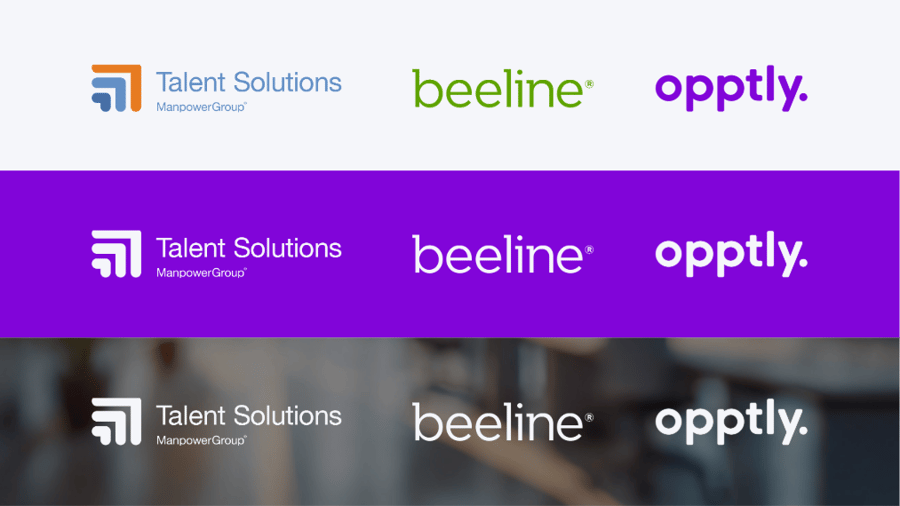
The host visual identity will guide the communication. Logos take one of two color variations: On white backgrounds use the primary, full-color logo or logo lockup. On dark, bright or photo backgrounds, use monochromatic white. As an option, you can create a white banner to insert partner logos in full color. Always ensure legibility. This includes creating enough contrast between logos and the background color.
Do's and don'ts
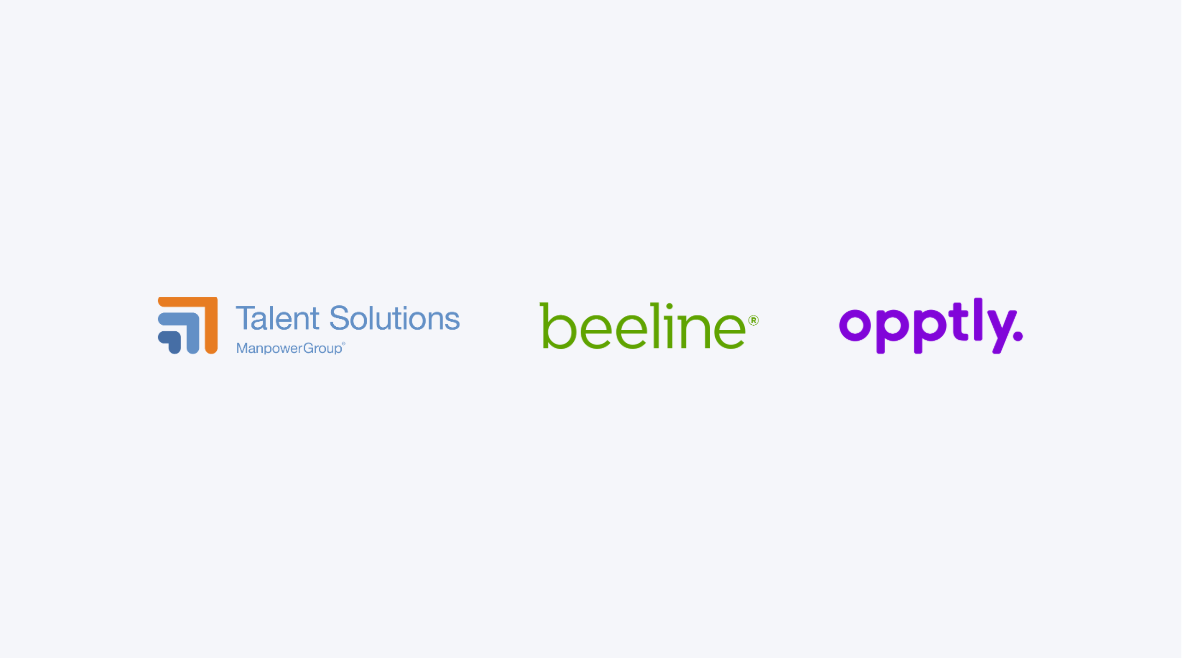
Do: space the partner logos correctly. Use the full-color logos
Use the full-color logos on a white background or monochromatic white logos on the host’s brand color background.
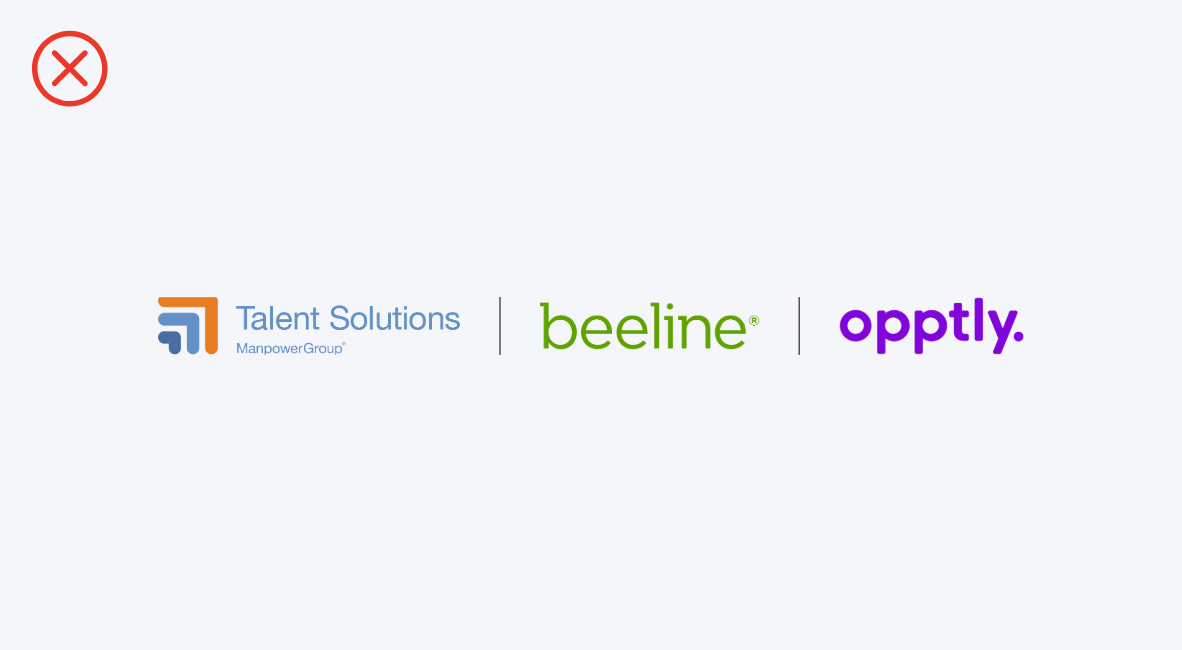
Don't: use the hairline treatment
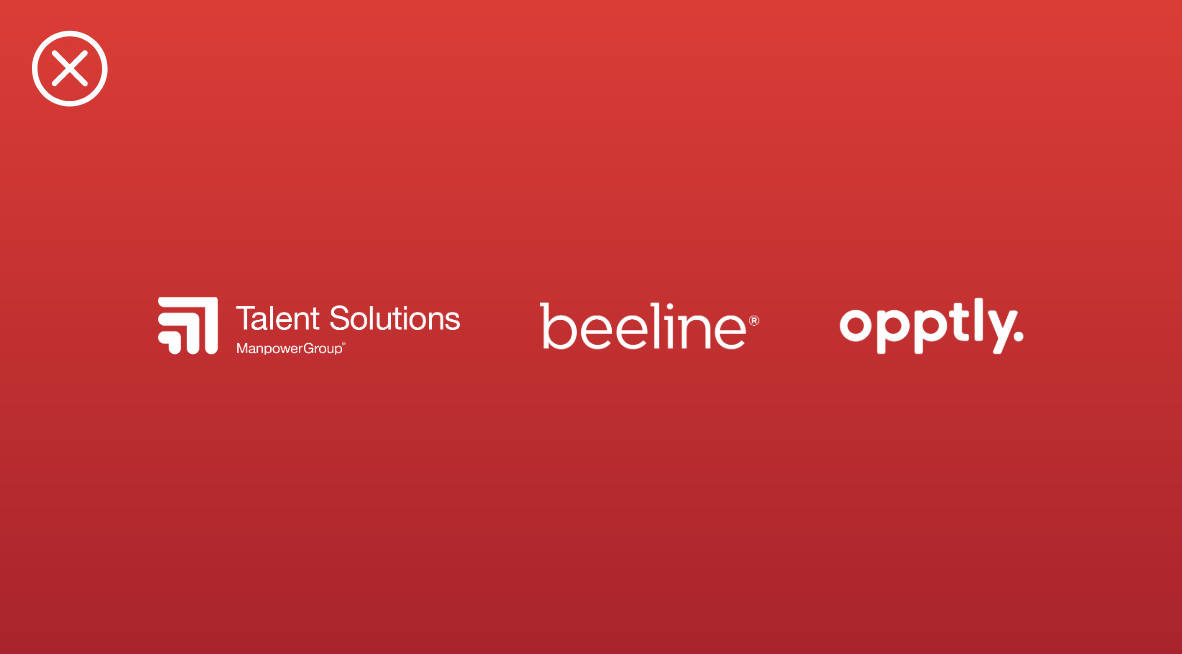
Don't: create a derivative visual identity of any participating brand
Beeline logo and icon
Under NO circumstance may the Beeline icon be used in conjunction with the Beeline logo
.png?width=450&height=150&name=Logo%20donts%20(2).png)